

Continuous AI Overview
Last week, we shipped Continuous AI at Jules. This is a massive shift in how you’re going to work with Jules moving forward.
We’ve added three key features that turn Jules from a tool you use into a system that works for you. Here’s the breakdown:
Suggested Tasks
Stop hunting through your codebase for that one // TODO you forgot about.
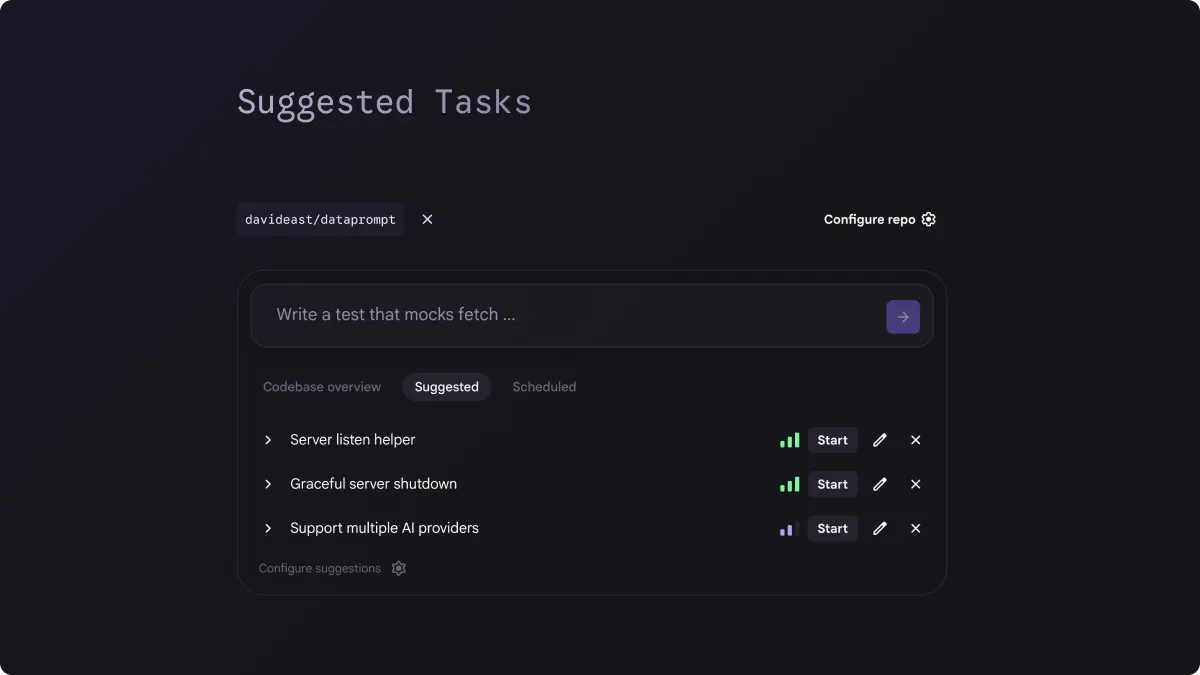
When you toggle the Suggested Task switch, Jules analyzes your entire codebase to find those floating comments and surfaces them as actionable tasks right in your dashboard.
Jules finds these tasks and analyzes them in context, providing a rationale for the change, and even giving you a confidence score on making that change independently. You can kick off multiple tasks in parallel and watch your to-do list shrink in real-time.
Pro-Tip: If you enable this and don’t see any suggestions, it just means you’re too organized! To get things moving, write a prompt asking Jules to analyze and raise specific inline to-dos. Once that’s committed, Jules will surface those new tasks automatically.
Scheduled Tasks
This might be my personal favorite. Scheduled Tasks allow you to write a prompt and set it to run on a daily, weekly, or monthly interval.
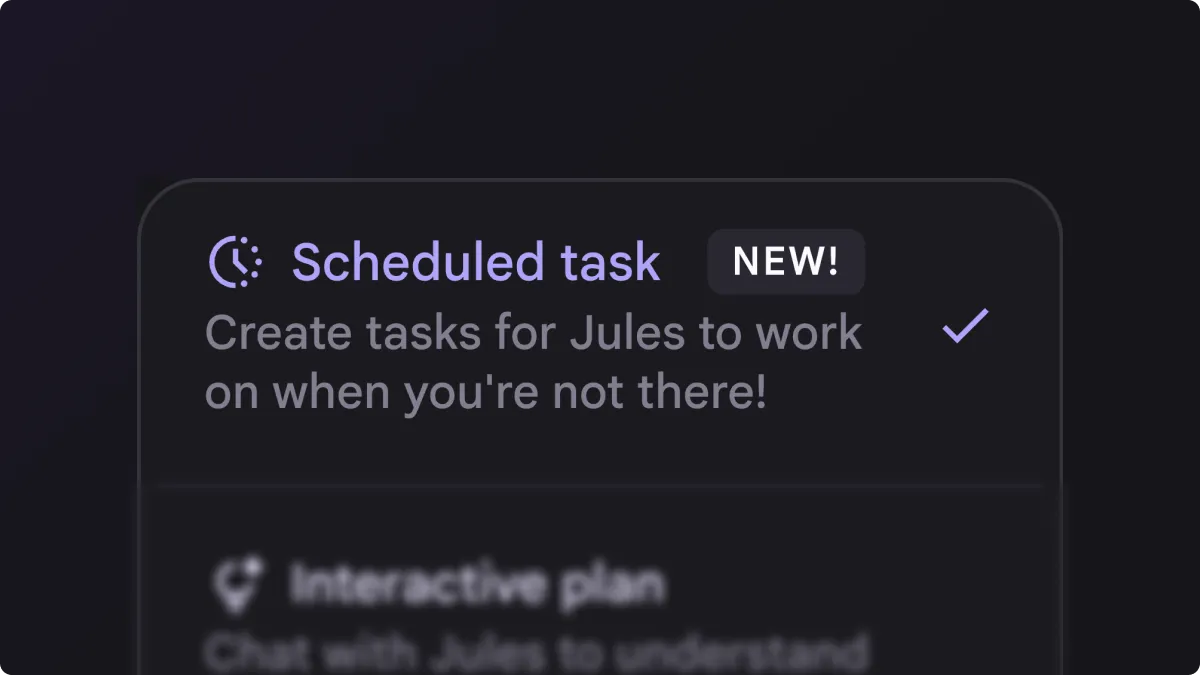
This unlocks some incredible use cases for CI/CD. We’ve all been there: a build breaks, and you have to drop everything to fix it. Now, you can run those builds on a schedule, and if something breaks, Jules can step in and fix it for you.
In the video you’ll see that I scheduled a task that creates a nightly release to NPM for a library. In the past, when it’s been broken, Jules caught it, figured out the fix, and published it under the nightly tag.
Render Integration
To close the loop on Continuous AI, you need a tight feedback loop. That’s why we’ve integrated Jules with Render.
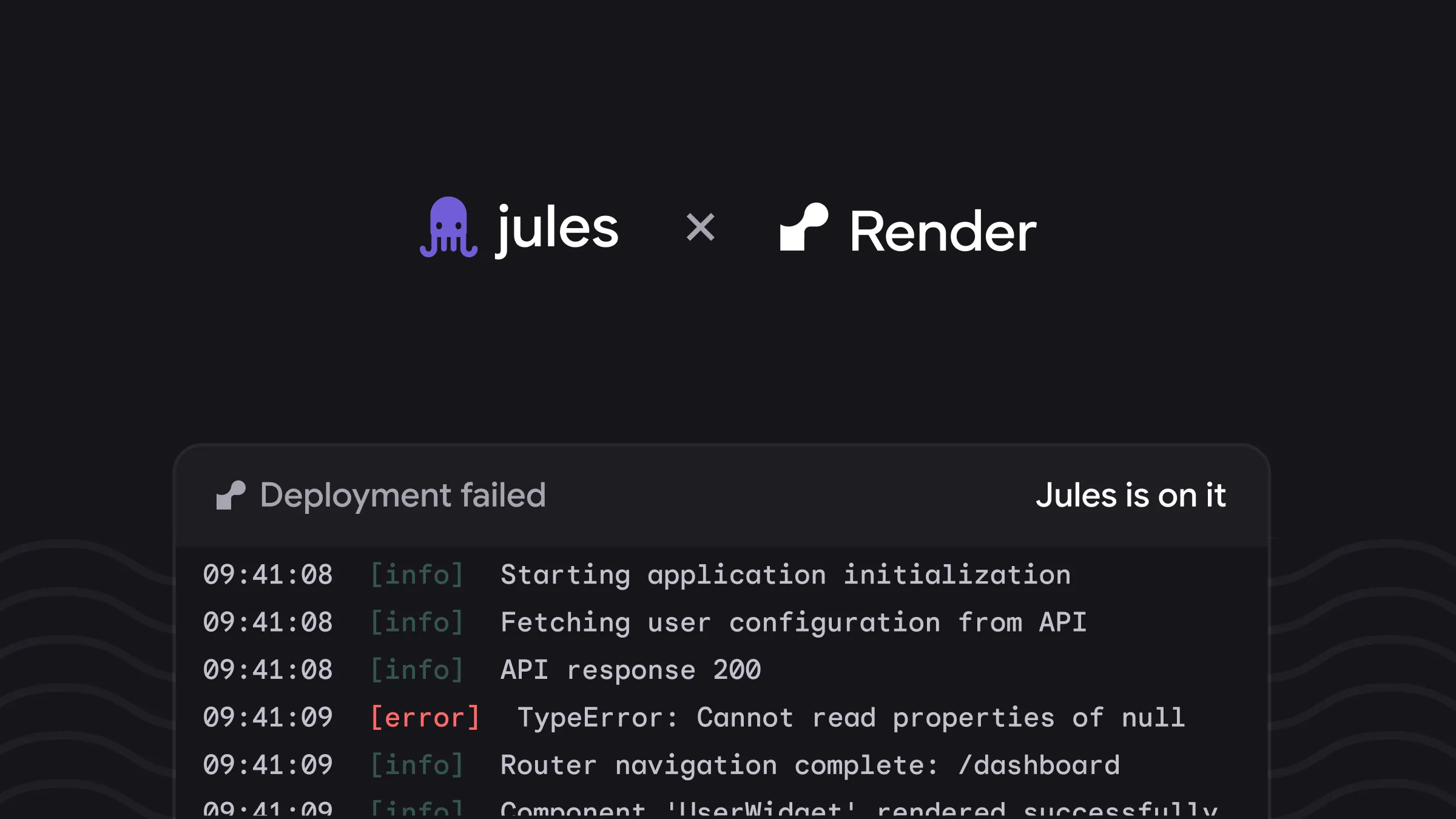
Render is a fantastic cloud platform for hosting web services, and it has a great integration with GitHub that creates preview deployments for PRs. But sometimes, those builds fail.
Now, when a build fails on Render, it automatically reports that failure back to Jules. Jules then analyzes the error, works on a fix, and sends a commit back to your PR—which triggers a fresh, successful redeploy. It’s an automated loop that keeps your deployment pipeline moving without manual intervention.
The Big Picture
When you combine Suggested Tasks, Scheduled Tasks, and the Render Integration, you aren’t just using an AI assistant anymore. You’re building a continuous system for your apps, websites, and libraries.
We are incredibly excited to see how you use these new features to keep your code moving.