

MCP support comes to Jules
February 2, 2026

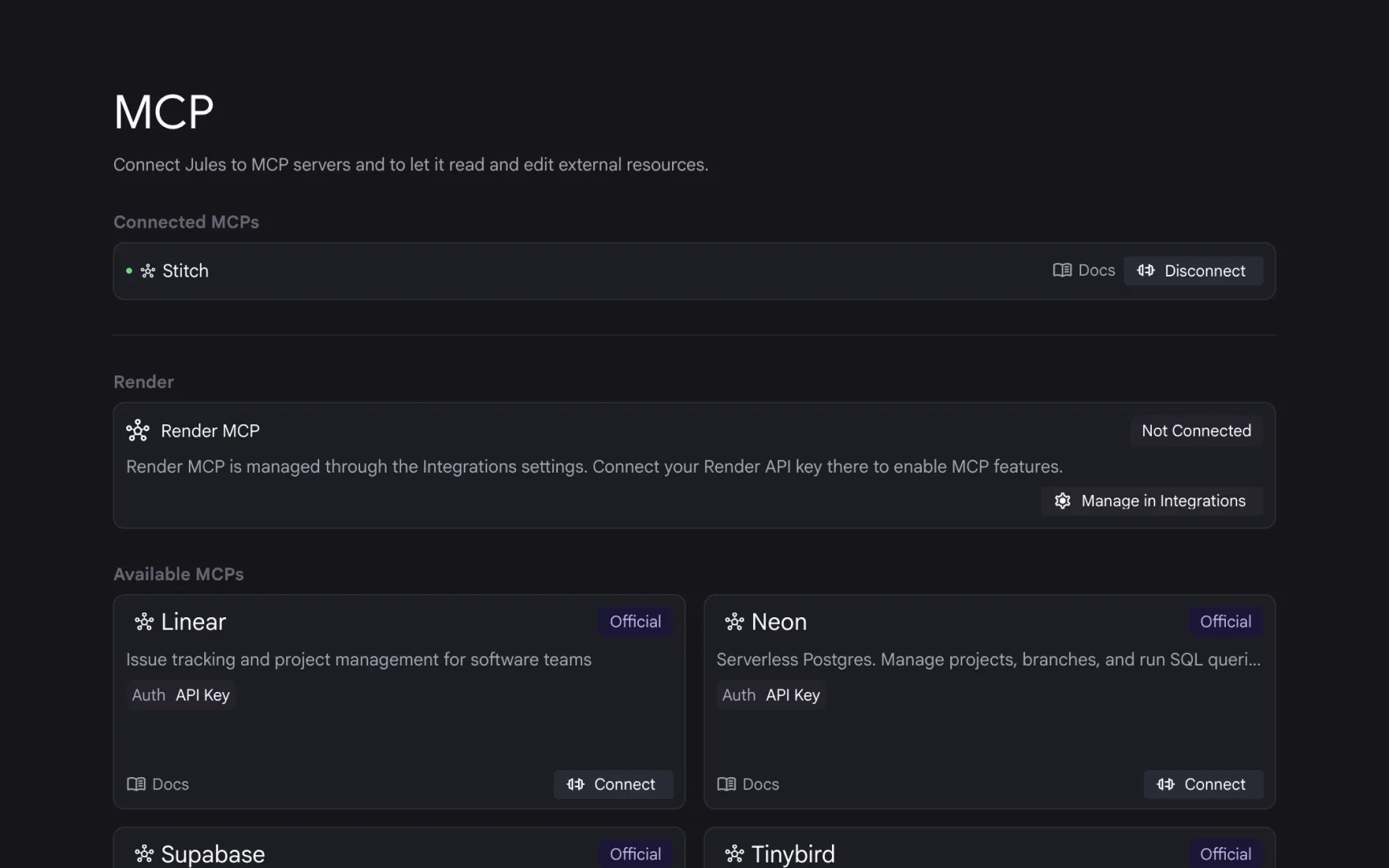
Today we’re launching MCP Server support in Jules starting with: Linear, Stitch, Neon, Tinybird, Context7, and Supabase.
Add a service connection in the Settings page and will trigger the MCP server tools in a session when it detects the need for a tool call.
Getting started
Our MCP server integration uses API key authentication. To get started:
- Get the service’s API key (such as Linear or Stitch)
- Go to the Jules Settings page
- Click on the MCP section
- Plug in your API key for that specific service
- Kick off a new session
- Jules will trigger the MCP server tools when it detects the need for the call
Focus on Security
It might seem odd for us to limit which MCP servers Jules can connect to. However, we are wanted to start with a focus on security. Jules operates within a cloud development environment connected to your GitHub repositories, so we prioritize a security-first approach to third-party integrations.
By hand-selecting these initial servers, we can:
- Validate Data Flow: We ensure that each server adheres to strict data-handling standards, keeping your source code and API keys isolated.
- Audit Tool Permissions: We verify that each server only requests the specific permissions it needs to function, preventing “over-privileged” access to your environment.
- Ensure Stability: A vetted integration means fewer connection drops and a more predictable experience when Jules interacts with your external data.
We plan to expand this list as we work with more partners.
Tell us what to add next
If you have an MCP server in mind, you can let us know in the settings panel what we should add next.