

Jules now listens to GitHub issues
June 26, 2025
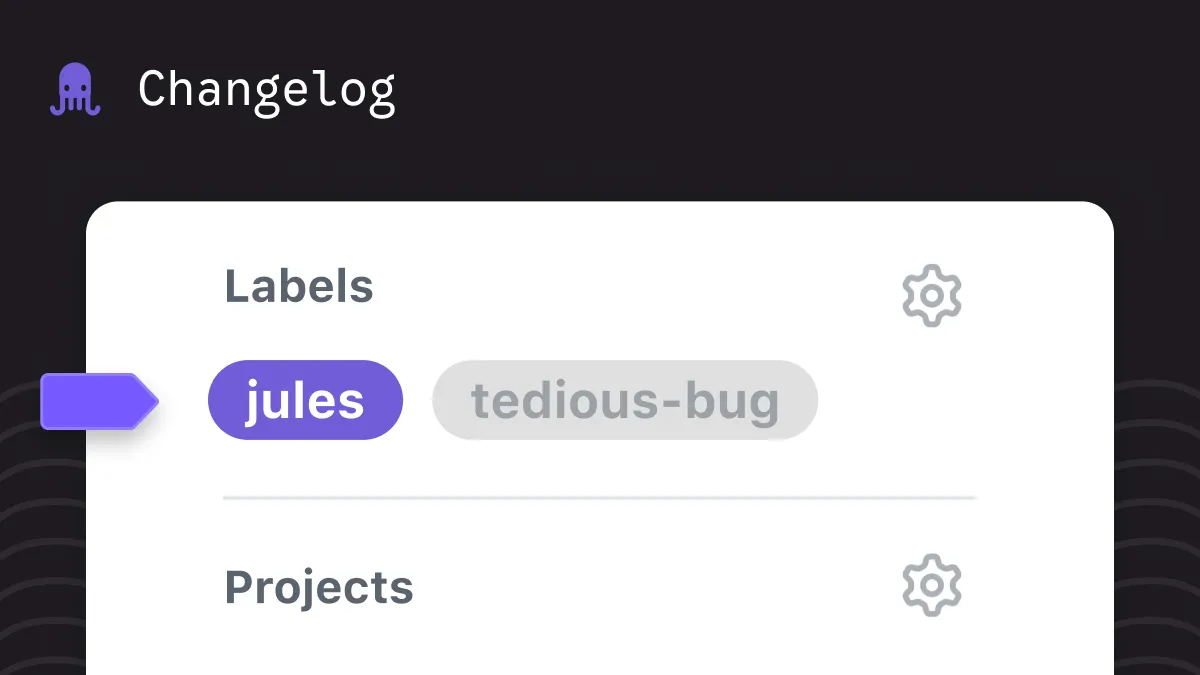
Add the label ‘jules’ to any GitHub issue to start a task in Jules. That’s it—label on, task live.
How to summon Jules:
- Open a GitHub issue.
- Click the gear next to “Labels”.
- Add the label ‘jules.’
Make sure the Jules GitHub App has access to your repo. After that, Jules takes it from there. Read more about running tasks in Jules!