

Auto-Fixing CI Failures and configure Jules to commit as you
February 19, 2026
CI Fixer
Jules now automatically detects and fixes CI failures on pull requests it creates. When a check fails in GitHub Actions, Jules receives the error, works through a fix, and resubmits the PR — all without manual intervention.
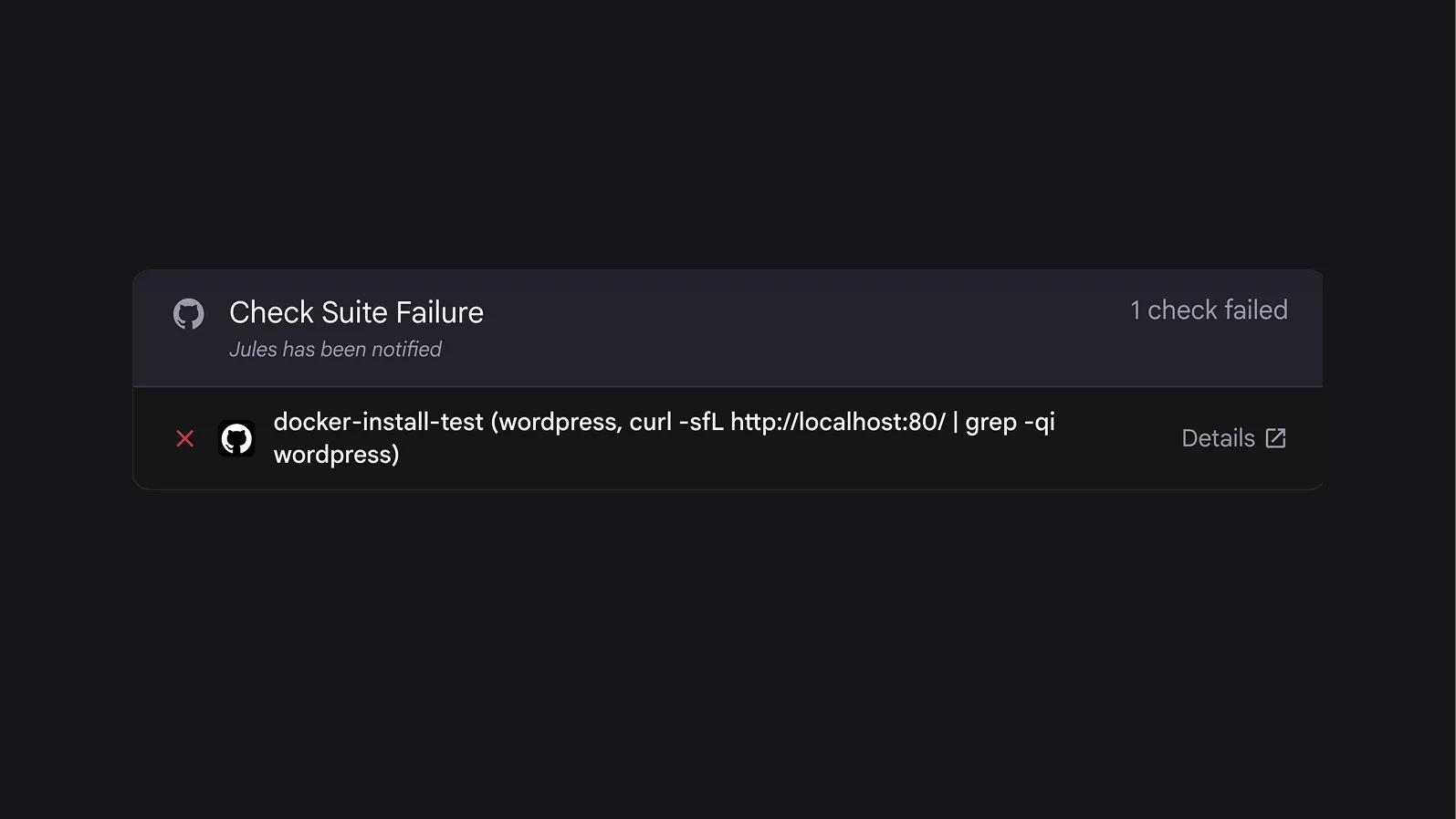
Previously, a failed CI check on a Jules PR would stall your workflow. Resolving it required setting up REST API calls or manually copy-pasting error logs back to Jules. CI Fixer closes that gap. Jules now operates in a loop — fixing, committing, and resubmitting — so your PRs keep moving forward.
Commit Authoring
You can now control how commits from Jules are attributed on GitHub. Three authorship modes are available:
- Jules: Jules is the sole author of all commits (default, existing behavior).
- Co-authored (Jules + You or You + Jules): Commits are co-authored by both you and Jules, crediting both contributors.
- User only: You are the sole author. Jules applies its changes under your identity.
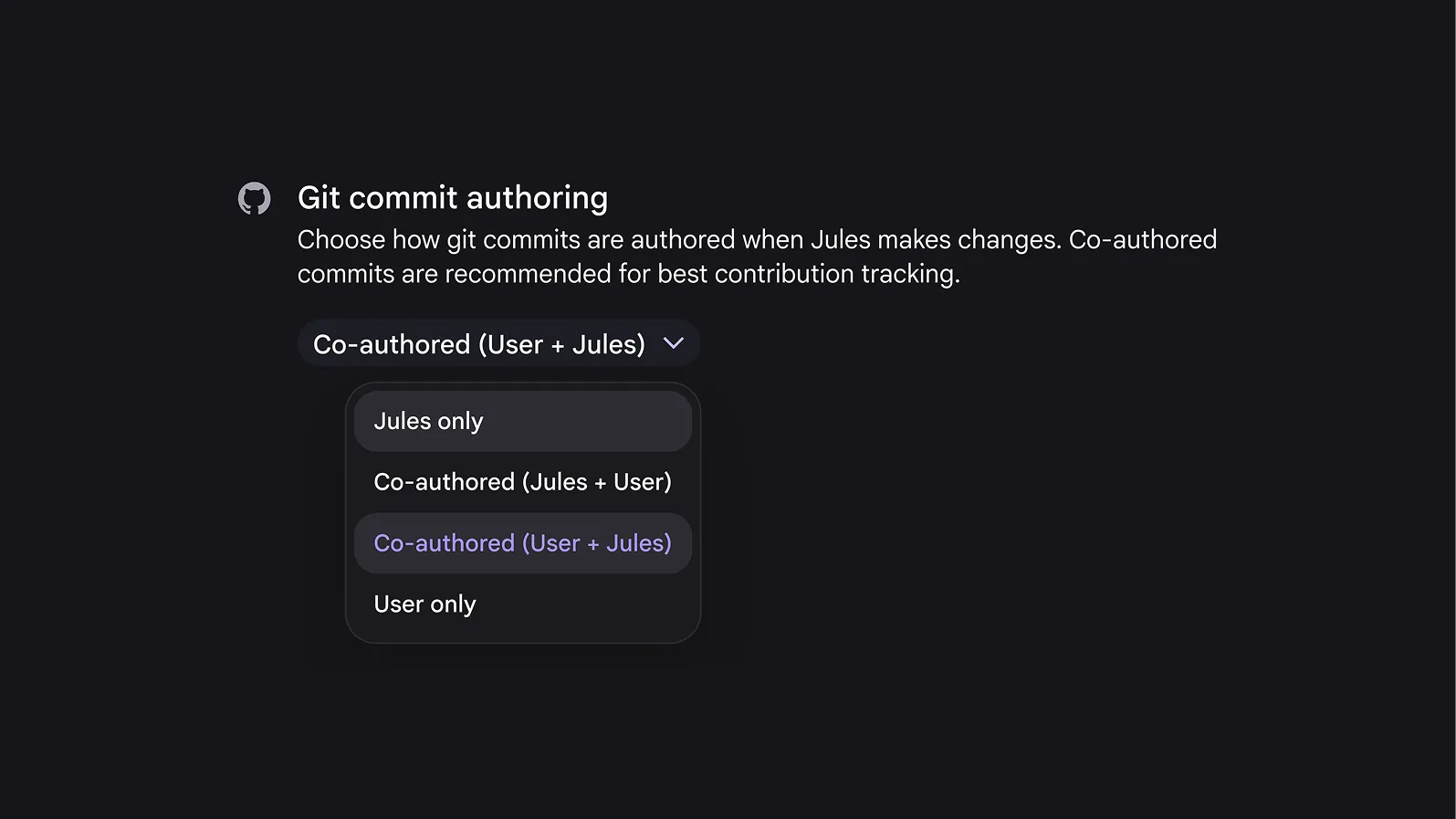
Previously, Jules authored every commit and PR, which meant your GitHub contribution graph didn’t reflect the work you initiated. Setting the commit authorship in to co-authored to you or you + Jules, makes it clear to contributors and PR reviewers who is driving each change.
It applies at the user level across all repositories and all task types — scheduled, suggested, and manually triggered tasks.
Setting commit authorship
- Go to the Jules Settings page
- Open the Commit Authoring section
- Select your preferred authorship mode
- All future sessions will use the selected attribution