

Jules in the command line
October 2, 2025
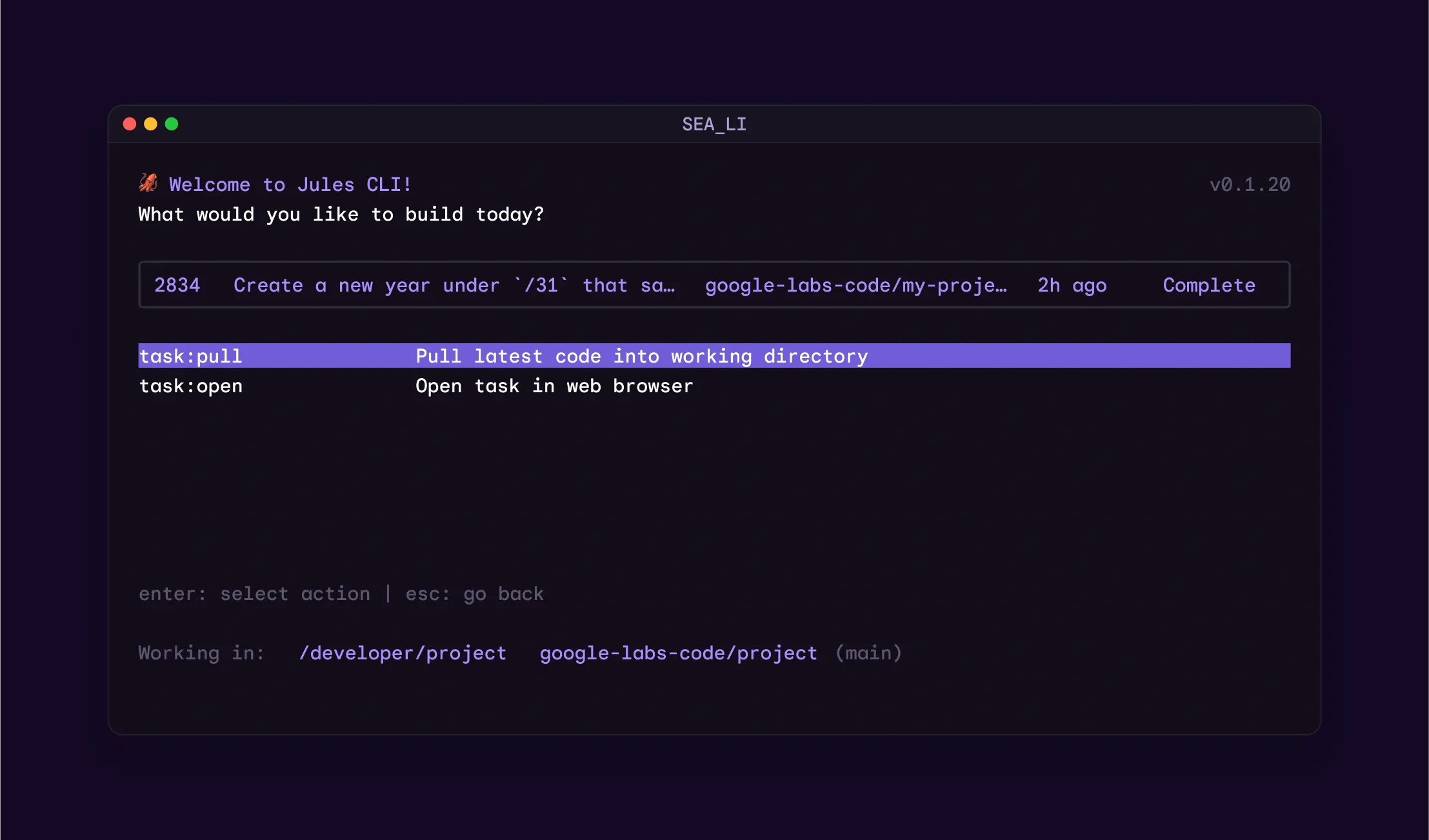
We’re launching Jules Tools, a new command-line interface designed to give you direct control over your AI coding agent, making it scriptable, customizable, and easy to integrate into your existing workflows.
Key Features:
- Direct Control: Create tasks (jules remote new), list active sessions (jules remote list), and monitor Jules without leaving your command line.
- Apply Patches Locally: Instantly pull work-in-progress code from an active Jules session and apply it to your local machine. This lets you test changes immediately, without waiting for a commit to GitHub.
- Scriptable & Composable: Integrate Jules into your automations by piping in output from other tools like gh, jq, or cat.
- Interactive Dashboard: For a more guided experience, launch the built-in terminal user interface (TUI) to create and manage tasks step-by-step.
How to Install:
Install globally via npm:
npm install -g @google/jules
Or run directly without a permanent installation:
npx @google/jules
Starter Commands to Try:
See all available commands:
jules help
List all repos connected to Jules:
jules remote list --repo
Create a new task in a specific repo:
jules remote new --repo torvalds/linux --session "write unit tests"
If you run into any issues, please share your experience with us via in-app feedback or on our Discord channel.